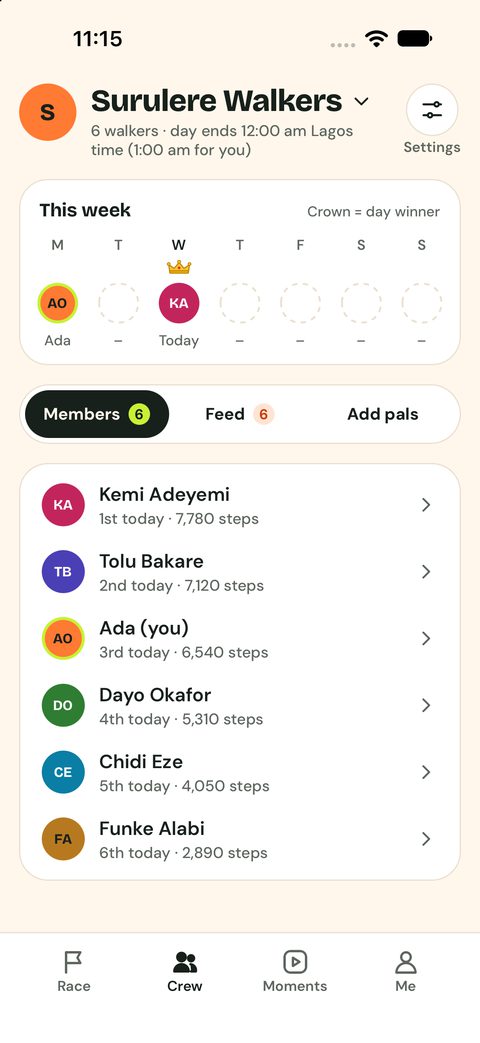
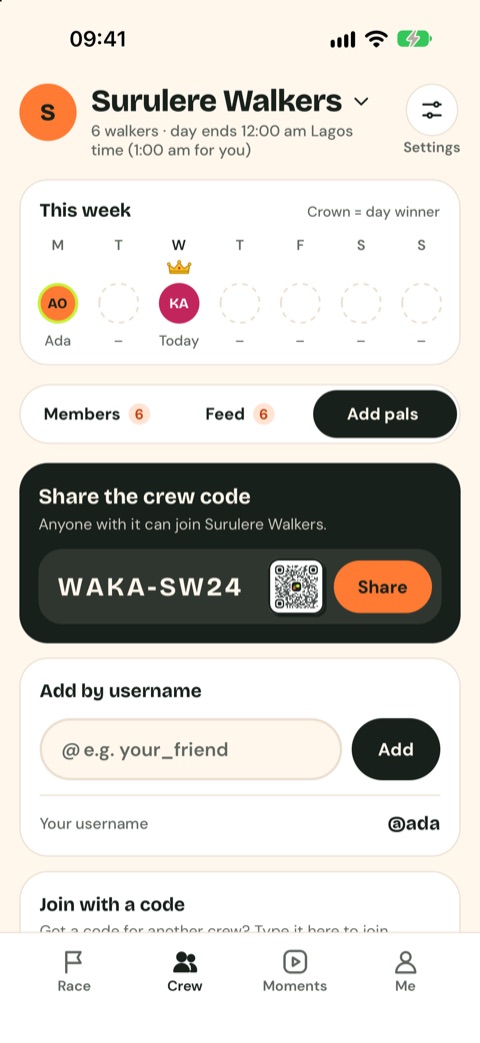
07The Crew tab
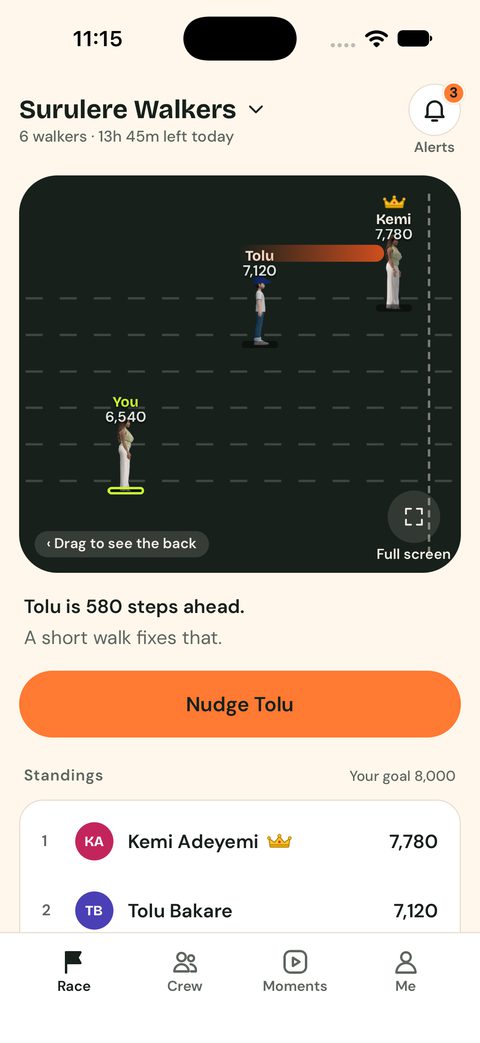
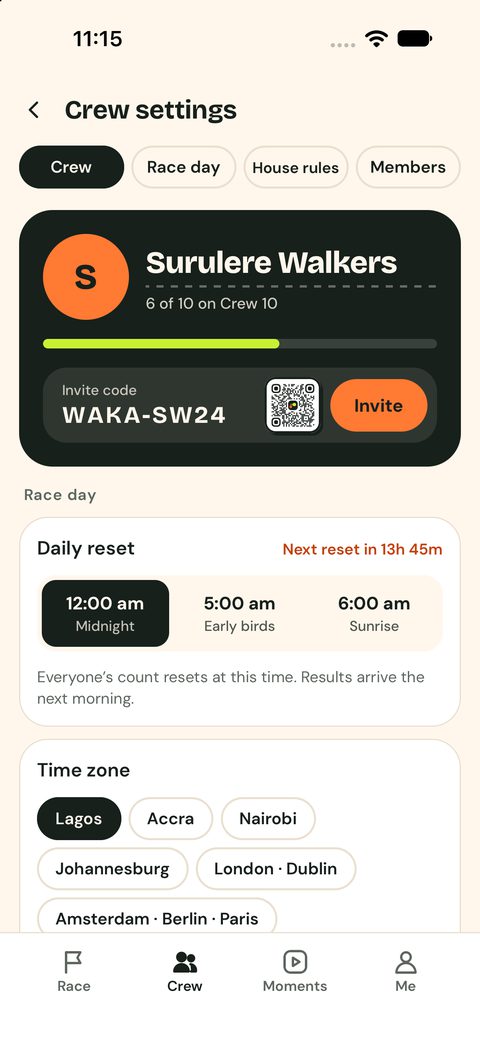
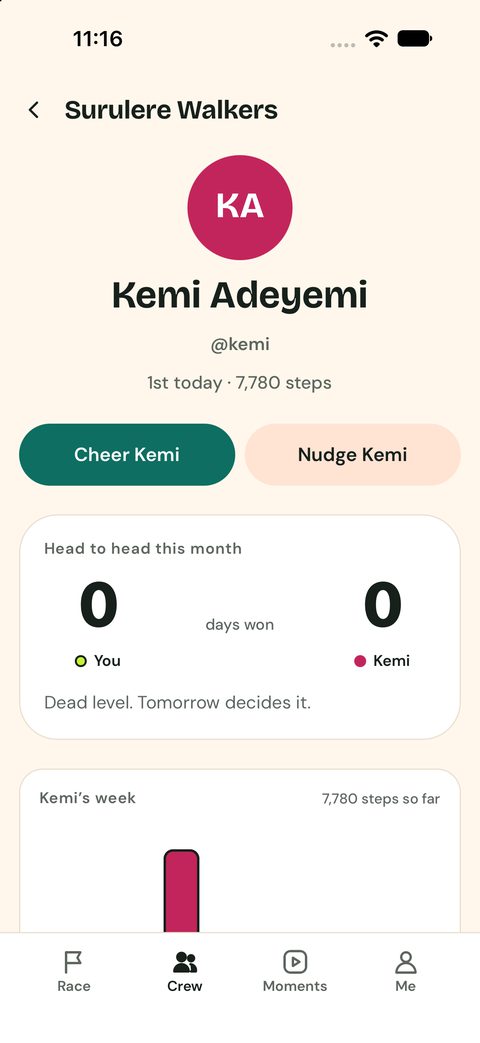
Your crew’s week (who won each day), the Members list, the crew Feed, and Add pals.
In Add pals you can share the invite code or link, show the crew QR code, or add someone by username.
12Posting a moment
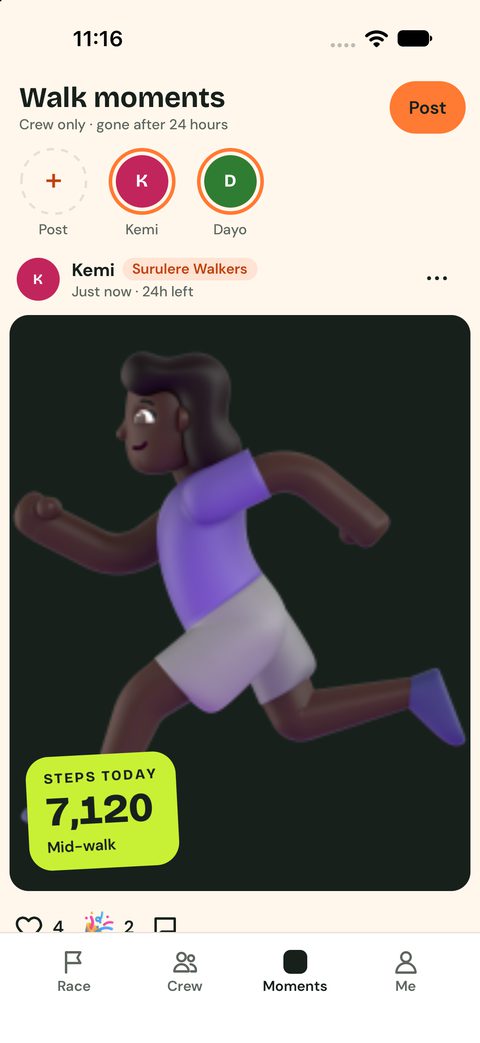
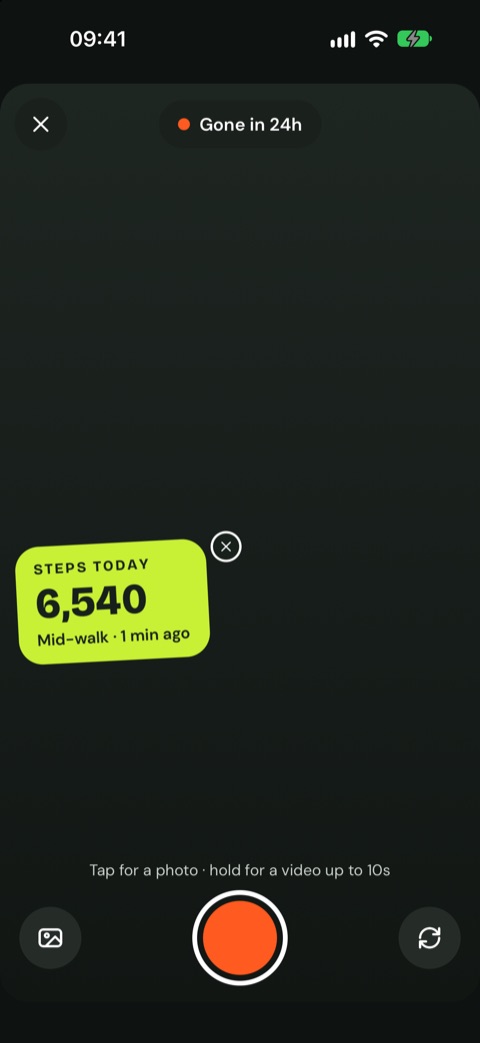
On the Moments tab, tap Post. Tap the round button for a photo, or hold it for a video of up to 10 seconds. Your steps sticker sits on top; tap its ✕ to leave it off. You can also pick a photo from your gallery or flip the camera.
14Your history
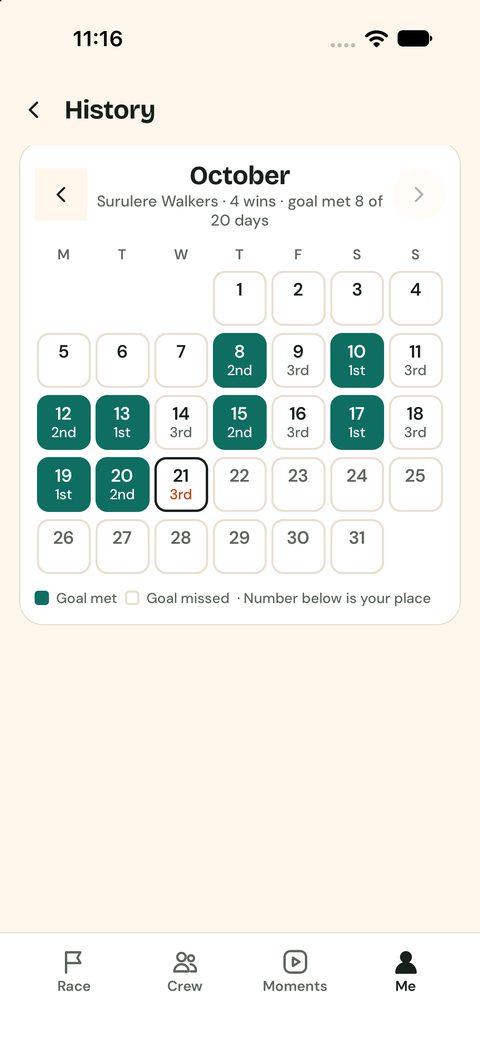
Every day at a glance: green days are goals met, and the number is your place. Free shows 30 days; Crew 10 and Crew Max show everything.
16The Shop
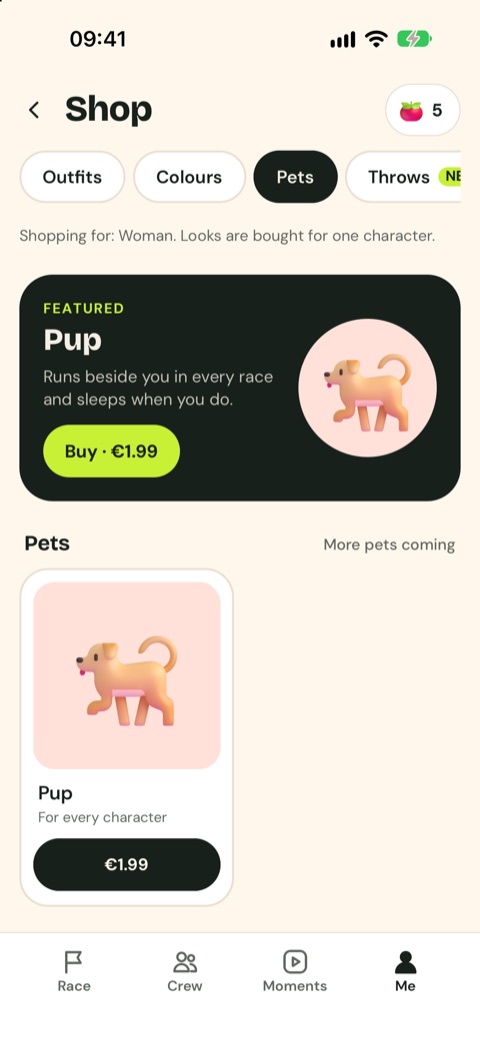
Me › Settings › Shop. Outfits (cap, sneakers, backpack), Colours packs, Pets like the Pup that runs beside you, and Throws (egg, pepper or jollof instead of a tomato), plus tomato packs. You pay once through the App Store or Google Play. Everything is looks only and stays yours on every phone.
19Settings
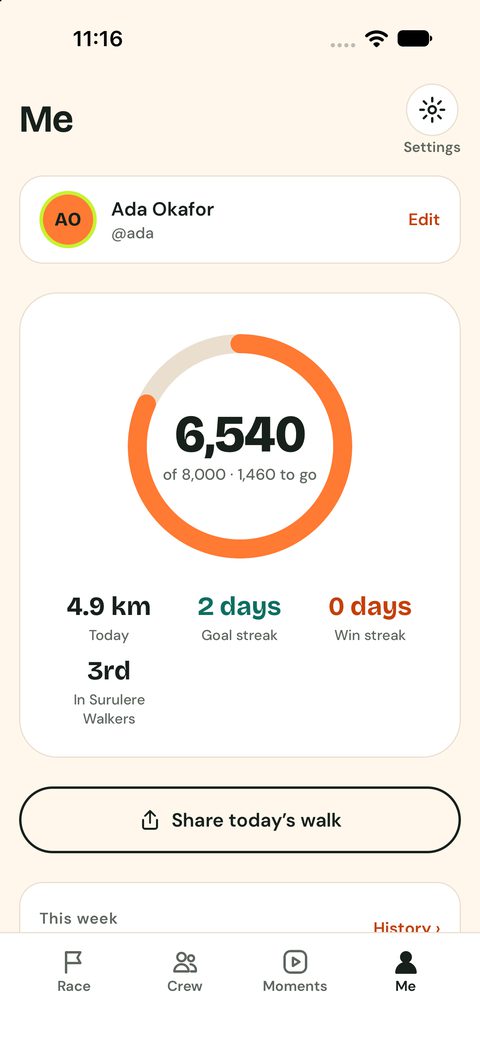
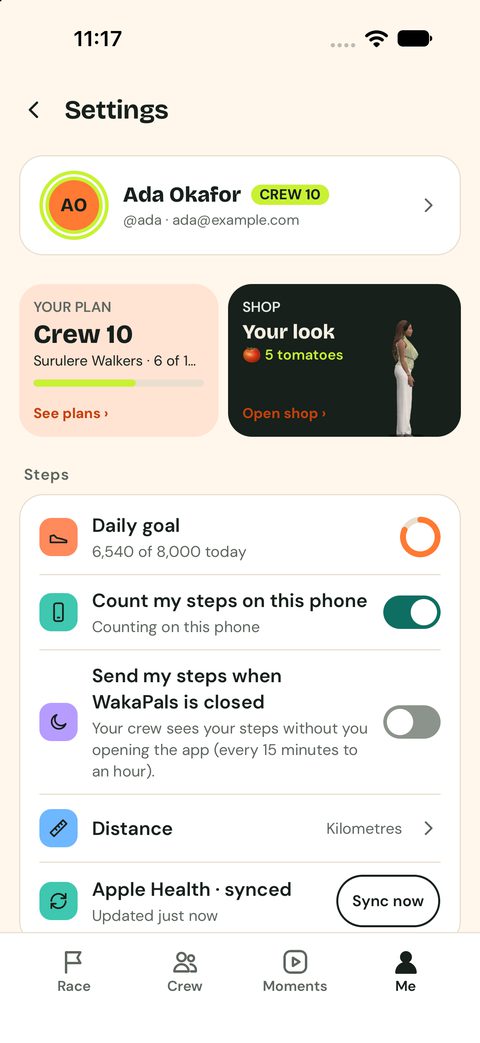
Tap the gear on the Me tab. Set your daily goal, choose which phone counts your steps, send steps while the app is closed, sync now, change notifications, language, sign-in and more. Delete account is at the bottom.